" height="136px" id="PfaV7hBGi" transform="translate(119 2)" width="40px"/><path d="M 39.868 162.364 L 0 122.39 L 0 39.974 L 39.868 0 Z M 78.938 97.221 L 119 97.221 L 119 138 L 67.562 190 L 40.359 162.712 L 78.938 124.013 Z" fill="rgb(0, 0, 0)" height="189.99999947846123px" id="rWSc6CRIY" width="119px"/></g></svg>)
May 26, 2025
/
3 min read
How AI Tools Are Transforming UX Design: When and How to Use Them
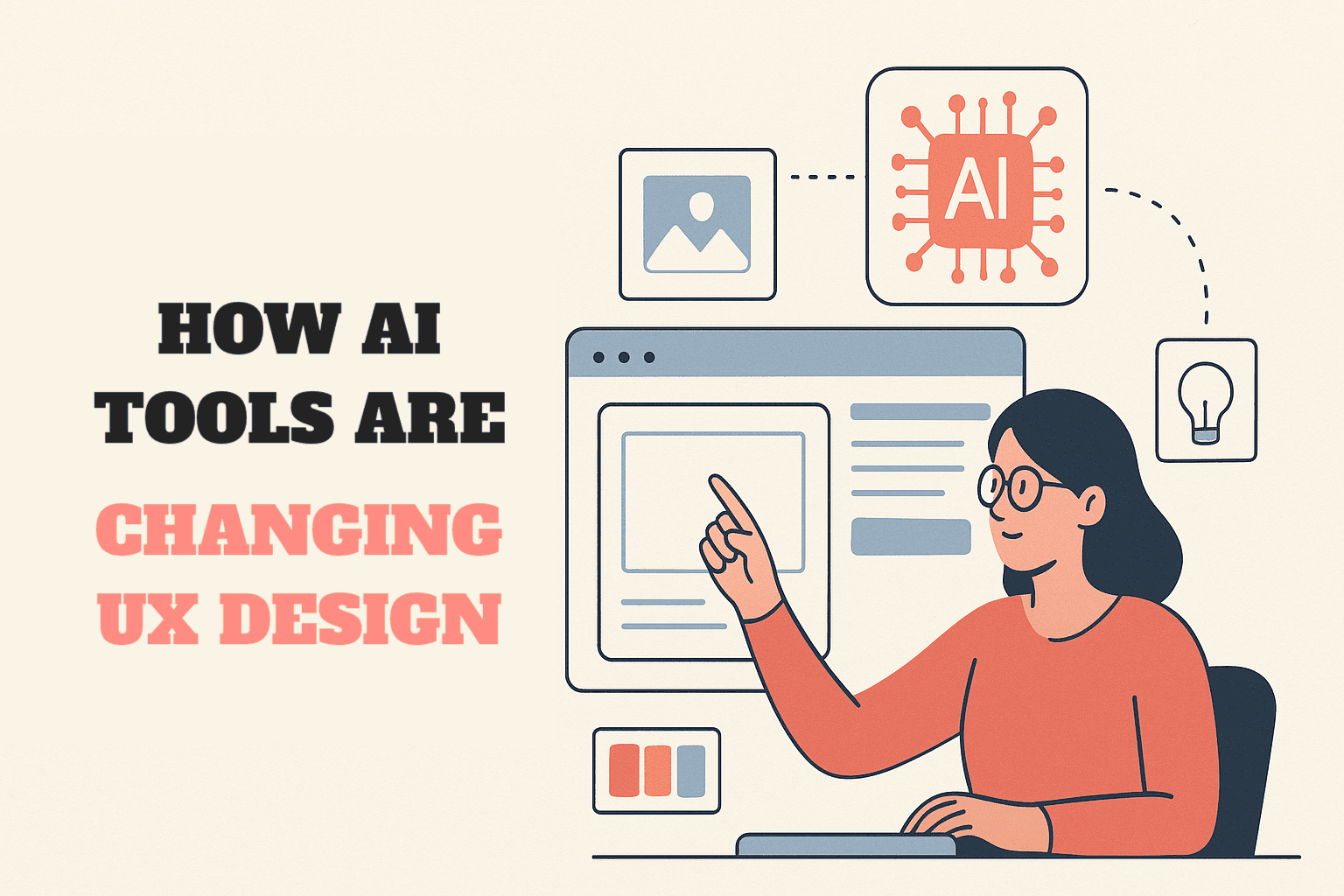
This article explores how AI tools are transforming UX design, from generating layouts and logos to enhancing images and creating brand palettes. It highlights when and how to use tools like Midjourney, Uizard, DALL·E 2, and more, helping designers streamline workflows while keeping creativity and human judgment at the core.
Share this article
How AI Tools Are Transforming UX Design: When and How to Use Them
The UX design process has always required a balance of creativity, structure, and technical execution. Now, with AI-powered tools, designers can move faster, explore more possibilities, and spend more time on strategy and problem-solving rather than repetitive production. But the challenge isn’t just knowing what AI can do—it’s knowing when and how to use it effectively in the design process.
Below is a guide to AI tools that are shaping UX work today, organized by their role in the workflow.
1. Layout and Wireframing
These tools help designers quickly generate website or app layouts, offering inspiration or ready-to-edit frameworks.
Midjourney - Useful for visual exploration. Designers can prompt Midjourney to generate UX layout concepts with specific moods, aesthetics, or structures. Best for early brainstorming.
Uizard - Creates web and mobile layouts automatically from text prompts or sketches. Ideal for rapid prototyping when speed matters more than pixel-perfect detail.
When to use: Early ideation and concepting, when you need a variety of layout directions before committing to one.
2. Icons and Illustrations
AI makes asset creation faster and more scalable, especially for icons and vector art.
DALL·E 2 - Generates custom icons with prompts. Great for unique branding needs.
Magician - AI plug-in for Figma that can vectorize icons directly inside the workflow.Image Tracer - Turns image icons into vectors, making them scalable.
Vectorizer - Handles larger illustrations, converting them into usable vector files.
When to use: When you need quick, scalable assets without hiring an illustrator or digging through stock libraries.
3. Image Enhancement
Sometimes the assets you have aren’t in the right resolution or format—AI tools can step in here.
Bigjpg - Upscales low-res images into large, high-quality versions.
Enhance - Similar to Bigjpg, boosting clarity and detail for pixelated images.
When to use: Refining legacy assets or improving client-provided images that don’t meet design quality standards.
4. Color Exploration and Branding
Picking the right colors is critical for brand identity and accessibility. AI can accelerate this process.
ColorMind - Generates cohesive brand color palettes.
Huemint - Provides AI-driven color inspiration, showing palettes in real-world contexts like landing pages or packaging.
Khroma - Produces massive color pattern combinations for experimentation.
When to use: Early branding and theme exploration, especially when presenting multiple directions to stakeholders.
5. Typography and Font Pairing
AI tools simplify the notoriously tricky task of finding fonts that complement each other.
FontJoy - Suggests font pairings based on style and contrast.
Monotype - Another smart font pairing generator with access to a professional library.
When to use: Establishing a design system, branding project, or UI library that needs consistency and legibility.
6. Logo Generation
Logo design often kicks off a branding project. While AI logos aren’t a full replacement for human creativity, they offer fast inspiration.
BrandCrowd - AI-driven logo generator with customizable options.
Brandmark - Creates simple, modern logos from keywords.
Looka - Generates brand-ready logos with editable design variations.
When to use: Early brand exploration, moodboarding, or budget-conscious projects where a custom designer isn’t an option.
Best Practices for Using AI in UX Design
AI can’t replace human creativity, but it can act as an amplifier. Here are a few guidelines:
Use AI for exploration, not finalization. Think of AI as your brainstorming assistant, not the final authority.
Layer human judgment on top. AI may generate options, but the designer ensures usability, accessibility, and emotional resonance.
Blend tools strategically. For example: generate a logo with Looka, refine color palettes in Huemint, finalize font pairing with FontJoy.
Be mindful of originality. AI outputs can feel generic—always customize and refine to fit the brand and user experience.
AI tools are revolutionizing how UX designers approach ideation, branding, and asset production. They’re not a replacement for designers but a creative multiplier. By using them wisely at the right stage and for the right purpose, designers can speed up workflows, experiment more boldly, and focus on what matters most: creating experiences that serve users.
Sources:
List and uses provided by Hranush. Composed by ChatGPT
ChatGPT prompt: please generate a poster for this article
Written by Hranush Bentley | ChatGPT
Read more